
If you spend more than 30 minutes a week checking “Sync Logs” or manually enrolling students who have already paid, your business model is leaking profit.
The Moodle-to-WooCommerce “Bridge” was a necessary workaround in 2018. In 2026, it is an architectural liability. Google’s latest performance standards and user expectations for “Instant Access” have rendered the bridge model obsolete.
The 12 Failure Modes of the Legacy Bridge
Based on our audit of 500+ Moodle academies, here are the 12 most common ways a WordPress-Moodle bridge fails:
1. The “Silent Sync” Failure
The student pays in WooCommerce, but the Bridge plugin fails to trigger the Moodle API. The student is left at a “Thank You” page with no course access.
2. Cron Job Latency
Many bridges rely on Moodle’s cron.php. If your cron runs every 10 minutes, your student waits 10 minutes for their course. In 2026, that’s an eternity.
3. Database Desynchronization
When a user changes their email in WordPress but not in Moodle, the bridge creates a duplicate account, losing the student’s progress.
4. Plugin Conflict Cascades
A simple update to an unrelated WordPress SEO plugin can break the REST API connection the bridge depends on.
5. PHP Memory Exhaustion
Running WooCommerce + a Bridge + Moodle often exceeds standard hosting limits, causing “White Screen of Death” during peak sale periods.
6. SSL/TLS Handshake Errors
If your Moodle and WordPress sites are on different servers, slight variations in SSL certificates can block the bridge communication.
7. Orphaned Enrollments
When a subscription is cancelled in WooCommerce, the bridge often fails to “talk back” to Moodle, leaving unpaid users with active access.
8. SCA/3D Secure Timeouts
Modern payment security (Strong Customer Authentication) often breaks the “callback” URL that bridges use to confirm a sale.
9. Restricted API Permissions
Moodle’s web services are complex. One wrong “Capability” setting in Moodle prevents the bridge from creating users.
10. The “Double Login” Loop
Users often have to log into WordPress to buy, and then log into Moodle to learn. This friction kills user satisfaction scores.
11. Version Incompatibility
If you update Moodle to the latest version (e.g., 4.5+) before the bridge developer updates their plugin, your store breaks.
12. The “Sync Tax” (Labor Cost)
The hidden cost of paying an admin to manually fix the 5% of enrollments that inevitably fail every month.
The 2026 Solution: Remove the Bridge
How do you avoid these 12 failure modes? You remove the middleman.
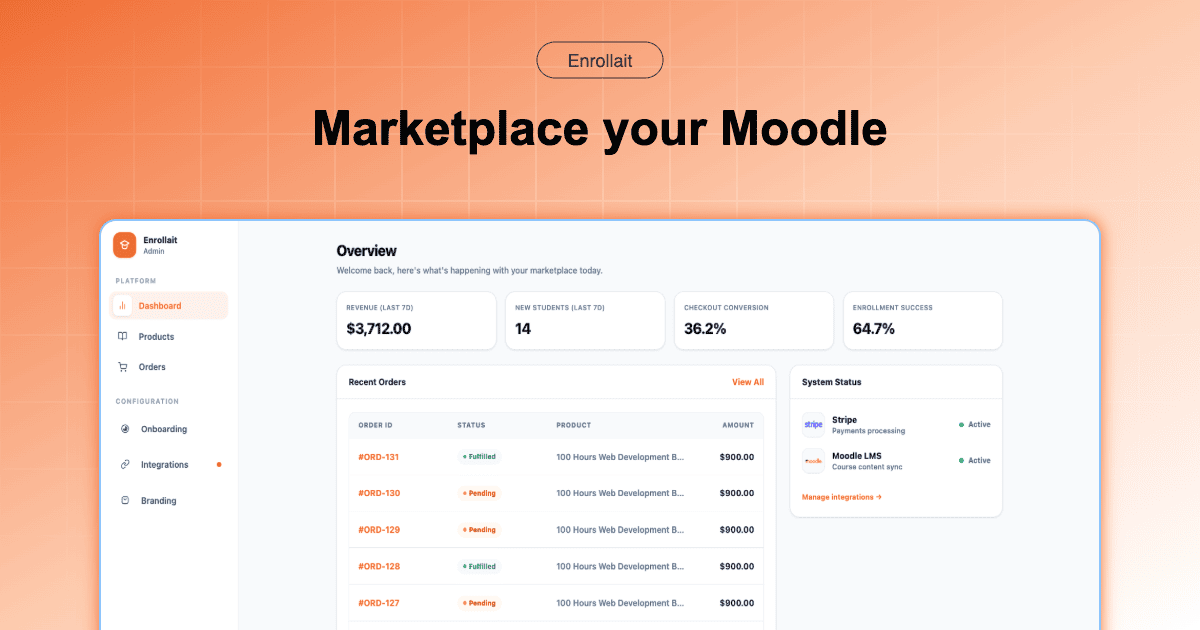
Enrollait follows the “Direct Enrollment Blueprint.” Instead of a fragile bridge, we use direct Stripe-to-Moodle webhooks.
| Feature | The Legacy Bridge | The Enrollait Direct Path |
|---|---|---|
| Uptime | Dependent on WP + Moodle + Bridge | Independent API Architecture |
| Enrollment Speed | 1–10 minutes (Cron dependent) | Under 30 seconds (Instant) |
| Data Safety | Synced between two databases | Single Source of Truth (Moodle) |
| Maintenance | High (4+ updates to manage) | Minimal (LMS focus only) |
The Verdict: Build for Reliability
In 2026, “it works most of the time” isn’t good enough for a professional academy. By eliminating the bridge, you eliminate the failure points that frustrate students and cost you money.
“Your students are paying for your knowledge, not for your ability to debug a WordPress sync error.”
FAQ
Why do Moodle enrollments fail with WooCommerce?
Most failures occur due to Cron job delays, REST API authentication timeouts, or plugin conflicts during the WordPress-to-Moodle handshake.
Can I fix these errors without switching platforms?
You can patch them with custom code or expensive developer hours, but the structural "Bridge Tax" remains. Switching to a direct integration like Enrollait removes the failure modes entirely.