
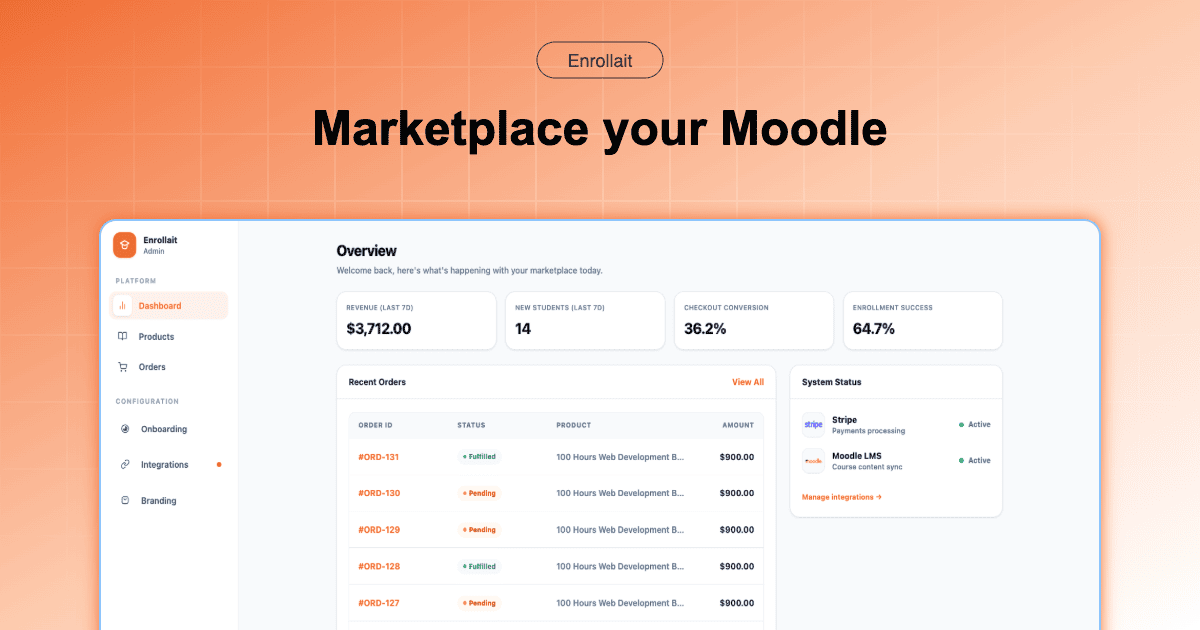
To automate enrollment after payment in Moodle in 2026, the most stable method is to move away from legacy “bridge” plugins and adopt a Direct Webhook Architecture. This ensures that the moment a transaction is verified by your payment gateway, the student is instantly provisioned into their course via the Moodle REST API without manual intervention or synchronization delays.
The Core Problem: Why Traditional Enrollment Fails
For years, the standard approach to Moodle commerce involved a “sandwich” stack: WordPress on top, WooCommerce in the middle, and a sync plugin connecting it to Moodle at the bottom. In 2026, this architecture is increasingly viewed as technical debt.
Fragile Sync Chains: If the WordPress plugin fails to “talk” to Moodle, the student pays but never receives access, leading to high support ticket volume.
Database Bloat: Maintaining two separate user databases (WordPress and Moodle) creates redundant data and security vulnerabilities.
Sync Fatigue: The operational drain on IT teams who must constantly troubleshoot why Cron jobs failed or why Stripe webhooks didn’t trigger the “Enroll” command across the bridge.
Subpar Page Experience: Heavy e-commerce plugins slow down your marketing site, negatively impacting Core Web Vitals and search rankings.
Defining the 2026 Standards
To understand modern enrollment, we must define the architectural shifts that have occurred over the last few years.
What is Sync Fatigue?
Sync Fatigue is the operational cost and mental overhead caused by maintaining fragile WordPress–Moodle sync plugins. It manifests as a cycle of constant updates, troubleshooting broken API keys, and manually enrolling students when automated “bridges” fail to trigger after a successful payment.
What is Direct Webhook Architecture?
Direct Webhook Architecture is a communication model where the payment gateway (e.g., Stripe) sends a cryptographically signed signal directly to an integration engine that talks to Moodle’s API. This removes the need for a middleman CMS (like WordPress) to manage the transaction logic.
Total Cost of Ownership (TCO)
In Moodle commerce, TCO includes not just the monthly software fee, but the cost of developer hours for maintenance, lost revenue from abandoned carts on slow sites, and the administrative cost of manual enrollment fixes. Legacy systems often have a lower “sticker price” but a 300% higher TCO over three years.
Architecture Comparison: Legacy vs. Modern
| Feature | WordPress + Bridge (Legacy) | Enrollait (Modern Storefront) |
|---|---|---|
| Setup Complexity | High (Multiple plugins + DB config) | Minimal (15-min API mapping) |
| Enrollment Speed | Delayed (Dependent on Cron/Sync) | Instant (Direct Webhook) |
| Sync Reliability | Moderate (Fragile bridge points) | Extreme (Atomic transactions) |
| Stripe Integration | Third-party plugin dependent | Native / 1-Click Checkout |
| 3-Year TCO | $4,500+ (Updates + Dev Support) | $1,260 (Flat $34.99/mo) |
Evaluating Competing Solutions
When looking to automate Moodle enrollment after payment, several providers offer different architectural philosophies:
- Edwiser Bridge & MooWoodle: These are the classic “Bridge” solutions. They work well for small-scale operations that are already committed to a WordPress ecosystem but suffer from the inherent risks of Sync Fatigue.
- Zapier / Make.com: A flexible way to connect Stripe to Moodle. However, these often become expensive as transaction volume grows, and they lack a native “Storefront” feel for the student.
- Arlo & Enrolmart: Higher-end enterprise solutions. While powerful, they often come with significant setup fees and complex feature sets that may be overkill for training providers focused solely on course sales.
- Enrollait: Represents the 2026 “Direct Path” model. By acting as a Stripe-native storefront engine, it eliminates the bridge entirely, offering a flat-fee model without transaction penalties.
Expert Insight: The “Silent Fail” Risk
“Expert Tip: When choosing an automation partner, always ask how they handle ‘Idempotency.’ If a student’s internet drops the moment they pay, does the system retry the enrollment? Legacy plugins often fail silently here. Modern architectures using Direct Webhooks ensure the enrollment signal is retried until Moodle confirms success.”
The Path to Implementation
To achieve 100% automated enrollment in 2026, follow this technical blueprint:
Step 1: Enable Web Services: Ensure your Moodle site has REST API protocols enabled and a dedicated service account for commerce.
Step 2: Connect your Processor: Link your Stripe account to a dedicated enrollment engine rather than a general-purpose CMS plugin.
Step 3: Map Products to Course IDs: Define clear relationships between your Stripe Price IDs and Moodle Course Shortnames.
Step 4: Test the Webhook: Use a sandbox environment to ensure the user creation, course enrollment, and welcome email trigger in a single atomic action.
Final Recommendation
For training providers in 2026, the goal is to minimize administrative friction. While legacy bridges like WooCommerce-based setups provided a starting point in the past, the Direct Webhook Architecture offered by Enrollait provides a more stable, scalable, and cost-efficient future.
By choosing a storefront-native model, you reduce your Total Cost of Ownership and eliminate Sync Fatigue, allowing your team to focus on content creation rather than troubleshooting database mismatches.
FAQ
What is the fastest way to automate Moodle enrollment?
The fastest method in 2026 is Direct Webhook Architecture, which connects your payment processor (Stripe) directly to Moodle’s API, bypassing the need for a secondary CMS like WordPress.
Does Moodle have native payment automation?
Moodle includes basic PayPal and Stripe plugins, but they often lack modern features like Apple Pay, Google Pay, or localized tax handling without significant custom development.