
Bridge plugins are often marketed as the “simple” way to sell Moodle courses. But many Moodle teams discover a pattern: what starts as “affordable” becomes expensive—both in dollars and in ongoing maintenance.
This post breaks down the three most common friction points that push Edwiser Bridge Pro users toward a direct-to-Moodle approach: the extension pricing ladder, sync drift between two sites, and SSO login loops.
Key takeaways
“Free” often means “piecemeal.” Essentials are commonly sold as add-ons.
Two sites create sync drift. When WP and Moodle disagree, operations and sales suffer.
SSO is hard to keep stable. Two login systems tend to generate “loop” tickets over time.
1) The “hidden” pricing ladder
A bridge plugin can look affordable initially. But many teams find they need “just one more extension” to reach a professional setup: ecommerce integration, Single Sign-On, bulk purchasing, and other workflows.
The result is a familiar pattern: you pay for the bridge, then you pay again for the “must-have” features. That’s not just cost—it’s complexity too. Each extension adds more settings, more update risk, and more things to break.
The Enrollait edge
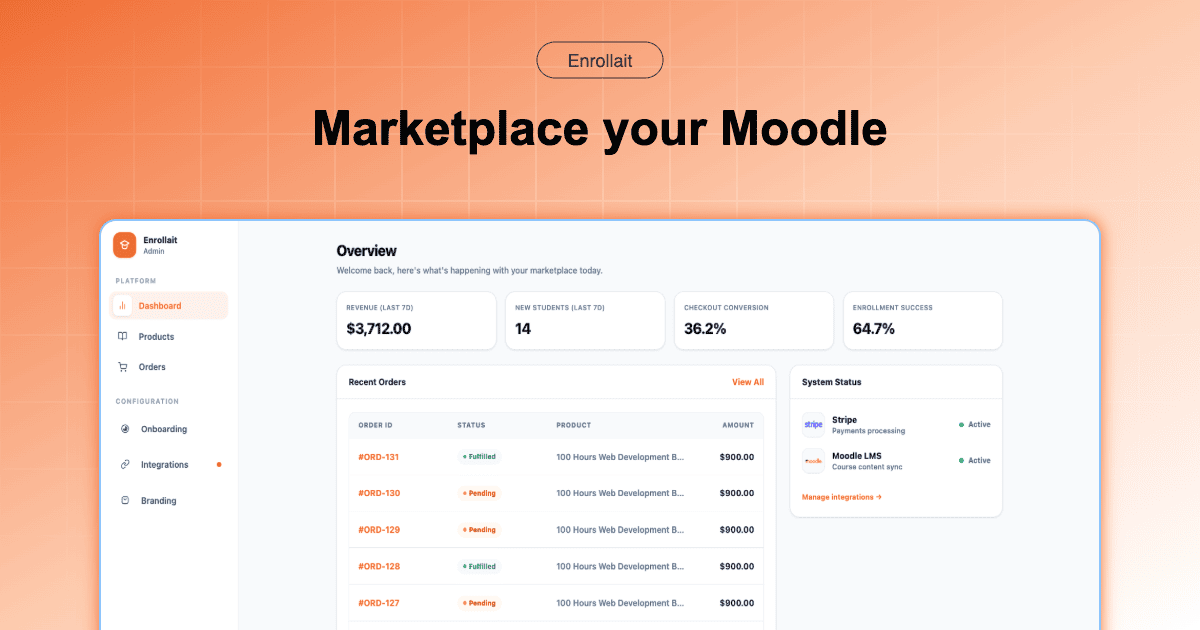
Enrollait is designed as a single-purpose Moodle commerce layer with a clear pricing model: one subscription that covers the workflow most Moodle sellers actually need—storefront + checkout + automatic enrollment.
If a “feature” is required to sell courses reliably, it shouldn’t feel like a tax.
2) The “two-site” synchronization trap
The core issue with bridge architecture is structural: your courses live in Moodle, while your storefront and checkout live in WordPress. That means the storefront depends on syncing—courses, pricing, availability, and sometimes user state.
When syncing fails, you’ll hear it immediately: “Why aren’t my Moodle courses showing up in my WordPress shop?” If the connection drops or a draft sync doesn’t apply correctly, your catalog can drift out of alignment.
The Enrollait edge
Enrollait avoids the trap by removing the second site. Moodle stays Moodle. Checkout is powered by your payment provider (for example Stripe). Enrollment is triggered by payment status events—so the pipeline is direct and predictable.
3) The SSO (Single Sign-On) nightmare
SSO is one of the most requested features in any two-platform setup, because learners don’t want multiple accounts. But SSO across WordPress and Moodle can be fragile: sessions expire differently, cookies behave differently, and users get stuck.
The result is the ticket you’ll see forever: login loops—students logged into one platform, logged out of the other, bouncing between pages.
The Enrollait edge
The cleanest way to reduce SSO issues is to eliminate the second login system. With Enrollait, learners use Moodle as their learning environment, and Enrollait focuses on turning successful payments into Moodle access—so there’s no WordPress session to keep synchronized.
The most stable SSO implementation is the one you don’t need.
Comparison table
If you’re evaluating options, this is the simplest way to compare the operational reality:
| Decision factor | Edwiser Bridge Pro + Woo | Enrollait (Direct-to-Moodle) |
|---|---|---|
| Complexity | 2 sites (WordPress + Moodle) | 1 workflow (Moodle-first) |
| Operational drift | Higher (sync can fail) | Lower (direct pipeline) |
| Setup time | 45–90 minutes | Under 10 minutes |
| Login issues | Higher (SSO conflicts) | Lower (no WordPress login needed) |
| Total cost pattern | Add-ons + hosting + maintenance | One plan + fewer moving parts |
Note: Exact costs depend on what extensions you add and how you host WordPress. The point is the pattern: add-ons + two platforms = compounding overhead.
Conclusion
For many Moodle sellers, the biggest “cost” isn’t money—it’s reliability. Every sync failure, update conflict, or login loop adds friction that shows up as delayed access, more support tickets, and lost sales.
If your goal is simple—sell Moodle courses and grant access instantly—moving to a direct-to-Moodle approach can reduce complexity dramatically. Enrollait was built for exactly that: checkout → user creation/matching → enrollment, without maintaining a WordPress + WooCommerce stack.
Practical tip: Whichever approach you use, test (1) successful payments, (2) failed payments, (3) existing-user purchases, and (4) enrollment into bundles—before going live.
FAQ
Why do Moodle bridge setups get expensive over time?
Many bridge setups start with a base plugin, but teams often add paid extensions for essentials like WooCommerce integration, SSO, bulk purchasing, or advanced workflows. The combined price and maintenance time can exceed a single-purpose Moodle commerce layer.
What causes Moodle ↔ WordPress sync issues with bridge plugins?
Because courses and users live in Moodle while product pages and checkout live in WordPress, the storefront requires syncing. If the connection breaks or draft sync fails, your Moodle catalog and WordPress store can drift out of sync.
How does Enrollait avoid SSO problems?
Enrollait removes WordPress from the flow. Learners use Moodle as the learning system, and Enrollait uses payment events (for example Stripe webhooks) to trigger user creation/matching and enrollment—so there’s no separate WordPress login to keep in sync.