
For nearly a decade, the Edwiser Bridge Pro + WooCommerce stack was the default way to sell Moodle courses. It was born out of necessity: Moodle’s native payment tools felt clunky, and WordPress had the best storefronts.
But it’s 2026. The web has changed. “Bridge” architecture is a relic. If you’re running WordPress only to sell Moodle courses, you’re not just running a school—you’re maintaining a complex IT stack. This post explains why high-growth academies are migrating to a direct-to-Stripe model like Enrollait.
Key takeaways
Sync is the weak link. Two databases + a middle layer means compounding failure points.
WooCommerce adds a performance tax. Heavier pages, slower checkout, lower conversion.
Security overhead grows over time. More plugins and more surfaces to patch and monitor.
Modern stacks prioritize reliability. Payment success should deterministically become Moodle access.
1) The “fragile bridge” problem
The most common support pain across bridge ecosystems is always the same theme: synchronization errors.
When you use a bridge, your data lives in two separate databases (WordPress + Moodle). For a sale to work cleanly, a chain of events has to succeed:
- Checkout succeeds in WooCommerce.
- WooCommerce notifies the bridge plugin.
- The bridge calls Moodle via APIs/web services.
- Moodle creates or matches the user account.
- Moodle performs enrollment into the correct course(s).
If WordPress hosting hiccups, if a queue lags, if Moodle cron is delayed, or a plugin update changes behavior—your chain breaks. The result is a nightmare moment: a learner pays $500 for a certification and lands on a login screen with no access.
The Enrollait difference
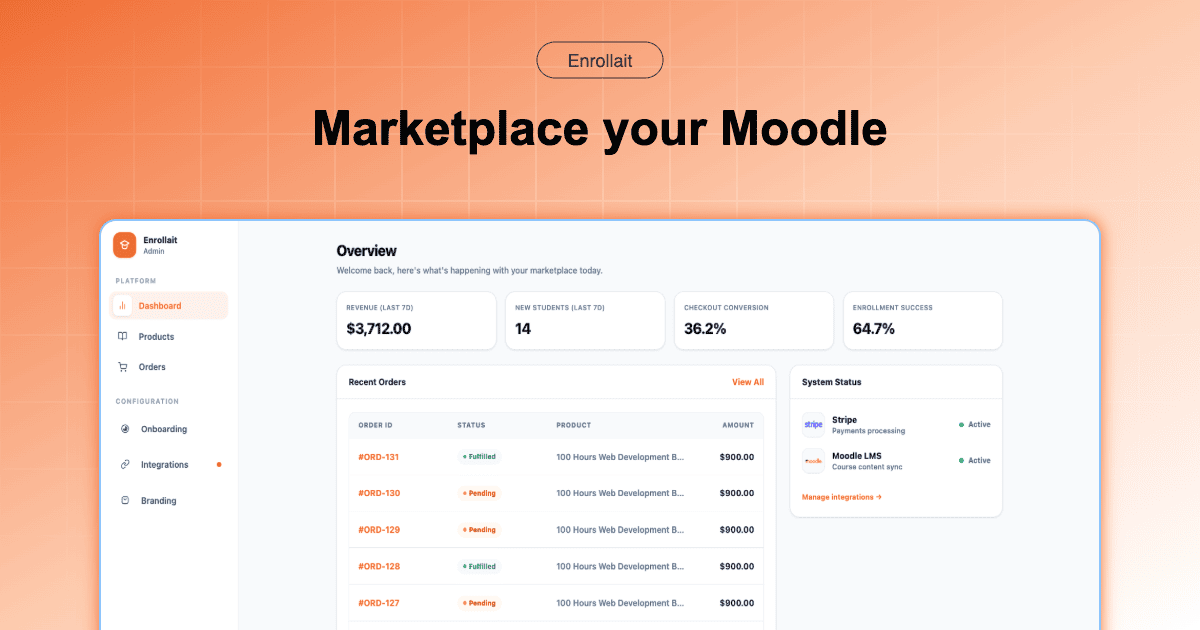
By removing the “bridge,” you remove the middleman. The workflow becomes: Stripe confirms payment → Enrollait triggers Moodle access. No catalog syncing. No waiting for background jobs. Just instant access when checkout succeeds.
Selling courses isn’t hard because charging a card is hard. It’s hard because access must always follow payment—automatically.
2) The hidden performance tax of WooCommerce
In 2026, speed is a growth lever. Modern search and UX expectations reward fast pages and punish bloat—especially in checkout.
WooCommerce pages are heavier by default
To run a shop on WordPress, you typically load a theme, multiple plugins, extra CSS/JS, and additional tracking scripts. Even “optimized” stacks are heavier than a purpose-built flow. That weight shows up in slower loads and more drop-offs.
Database bloat is real
WooCommerce stores a lot of order and product metadata. Over time, sites often get sluggish unless you actively optimize hosting, caching, and database maintenance. This becomes a background tax you pay forever.
Checkout friction kills conversion
Every extra second and every extra step reduces completed purchases. If your bridge stack adds delays, you’re paying for it in abandoned carts.
A direct integration keeps the selling layer lightweight. You avoid maintaining a full ecommerce CMS just to get learners enrolled.
3) Security & compliance overhead
Payment security is non-negotiable. Bridge setups expand your security surface area because you now need to secure: WordPress core, WooCommerce, multiple plugins, the bridge plugin, and Moodle.
Plugin vulnerabilities are the long-term risk
Most bridge stacks depend on a bundle of plugins. Each one requires updates and compatibility checks. If one plugin falls behind, your storefront becomes a weak link.
Compliance features become add-ons
As payment requirements evolve, bridge stacks often respond with “Pro” extensions and additional configuration. That’s extra cost and more moving parts—right at the most sensitive point in your business.
4) Total cost of ownership (The $150+ Reality Check)
Many teams start with a “free” or low-cost bridge and then quickly realize they are on a pricing ladder. To get a professional, automated store working with a bridge, your annual costs usually look like this:
| Expense item | The Legacy “Bridge” Stack | The Enrollait Way |
|---|---|---|
| Bridge Pro Plugin | $100 - $129 / year | Included |
| WooCommerce Stripe Add-on | $79 - $120 / year | Included |
| SSO / Login Sync | $60+ / year | Not Needed |
| WP Maintenance Time | $300+ (Estimated labor) | $0 |
| Total Yearly Estimate | $540 - $800+ | Starting at $150 |
By switching to a direct-to-Stripe model, the average small academy saves over $400 a year in licensing fees alone—not to mention the hours saved on troubleshooting.
5) Conclusion: is it time to simplify?
If you’re an enterprise with a massive marketing team that lives in WordPress, a bridge can still make sense. But if you’re an educator, an SME, or a training provider who wants to focus on content rather than database synchronization— it’s time to look at the modern alternative.
- Stop maintaining a bridge. Reduce the number of systems that can break.
- Stop debugging sync drift. Make checkout deterministically grant access.
- Start focusing on students. Spend time on learning, not plugin conflicts.
Stop building bridges. Start building courses.
FAQ
Do I still need WordPress + WooCommerce to sell Moodle courses in 2026?
No. It’s a common legacy approach, but it adds a second platform and a sync layer. A direct checkout → enrollment workflow can be simpler and more reliable for most Moodle sellers.
Why do Moodle–WordPress bridge setups fail?
Because the sale depends on multiple systems staying in sync (WordPress, WooCommerce, the bridge plugin, and Moodle). Any timeout, hosting hiccup, plugin conflict, or queue delay can break the enrollment chain.
What should I test before launching a direct Stripe → Moodle setup?
Test successful + failed payments, existing-user purchases, enrollment into bundles, and the learner experience when courses are hidden vs visible. Verify email delivery and support workflows.